
Activity
Daily movement, steps, active minutes, and workout frequency.
A user profile combines demographics with seven days of wearable data in five domains, each with a 0–100 score, a level, and a trend, delivered to your backend via webhook.
How it works
Instead of working with dozens of disconnected metrics, teams receive a profile organized into five health domains. They understand who each user is and can design experiences that respond to their reality.
The application requests a user's profile whenever it needs one.
ROOK reviews the synced data from the last seven days and builds the profile.
The complete profile reaches the backend via webhook, ready to use.
Five domains, one complete view
Each domain includes aggregated metrics, a 0–100 score, a health level, and a trend. Together they form an overall score that summarizes the user's status.
Daily movement, steps, active minutes, and workout frequency.
Sleep duration, efficiency, and consistency.
Heart rate and heart rate variability (HRV).
Recovery, readiness, and sleep debt.
Body measurements and composition.
More than metrics
Each profile turns scores into five readable levels, compares every domain with the previous profile, and shows how complete the data behind it is.
Every score is classified into five levels, from Optimal to Critical, so any team can understand a user's status without interpreting numbers.
Each profile shows whether a domain is improving, stable, or declining compared with the previous one.
The profile detects positive patterns, trends, and relationships between domains, and turns them into concrete observations.
Missing data is never treated as a poor result. Each profile shows how complete the information behind every score is.
{ "version": 1, "document_version": 1, "data_structure": "", "client_uuid": "", "user_id": "", "user_profile_data": { "demographics": {}, "profiles": { "activity": {}, "sleep": {}, "cardio": {}, "recovery": {}, "body": {} } }}Use cases
Digital health, fitness, insurance, and engagement teams use each profile to onboard, plan, segment, and message their users.
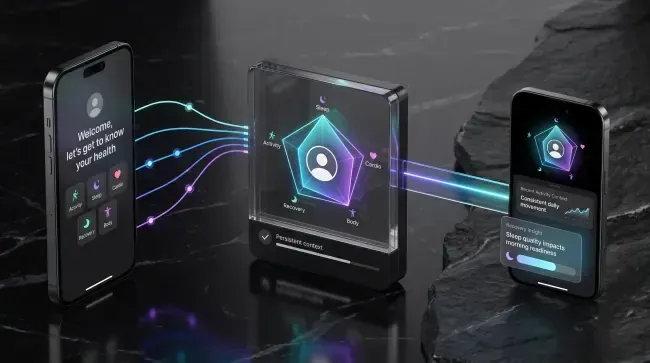 01
01Onboarding and follow-up with context from the first interaction.
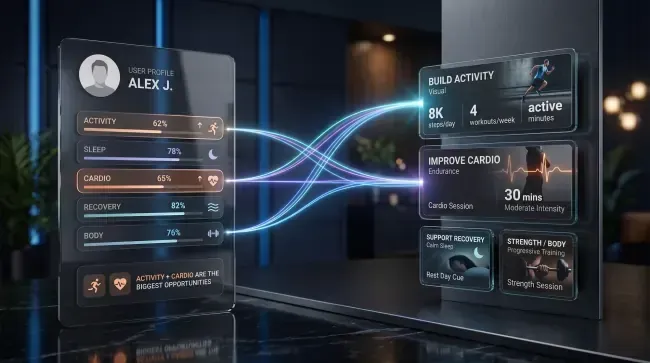 02
02Plans that adapt to where each user has the most room to improve.
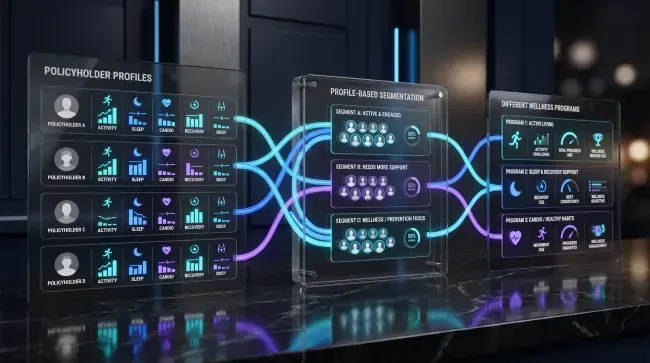 03
03Wellness programs segmented by each policyholder's profile.
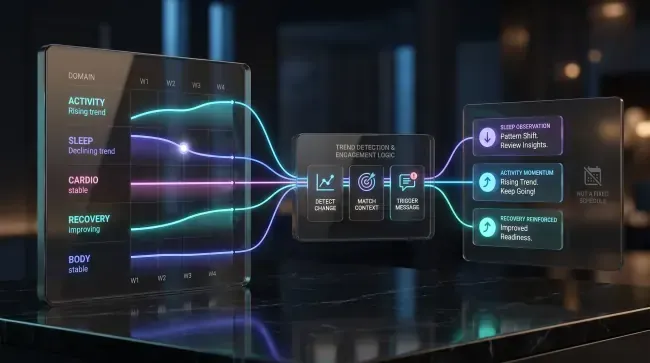 04
04Messages that follow each profile's trends, not a fixed calendar.

Nothing matches that search.
User Profiles
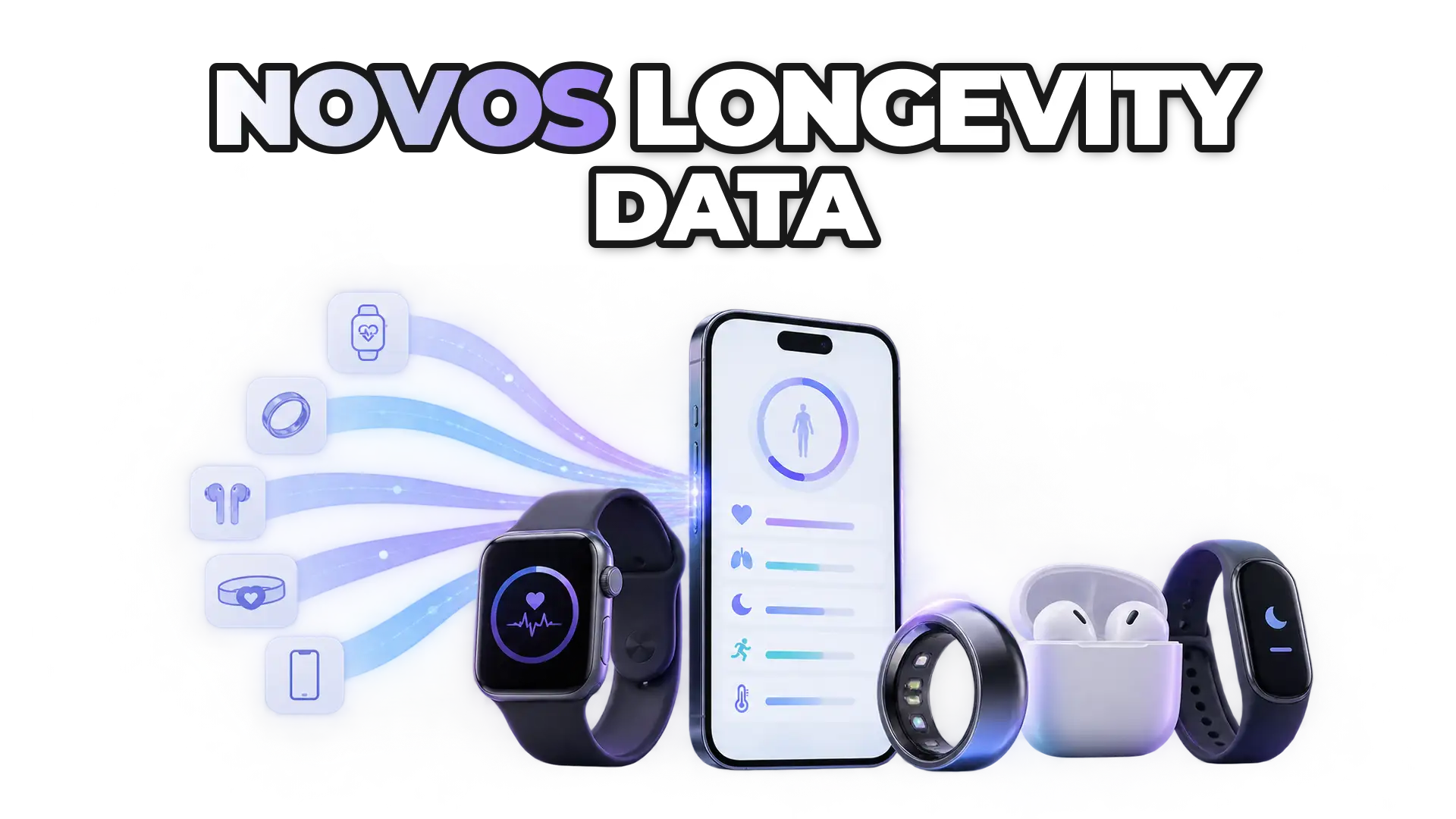
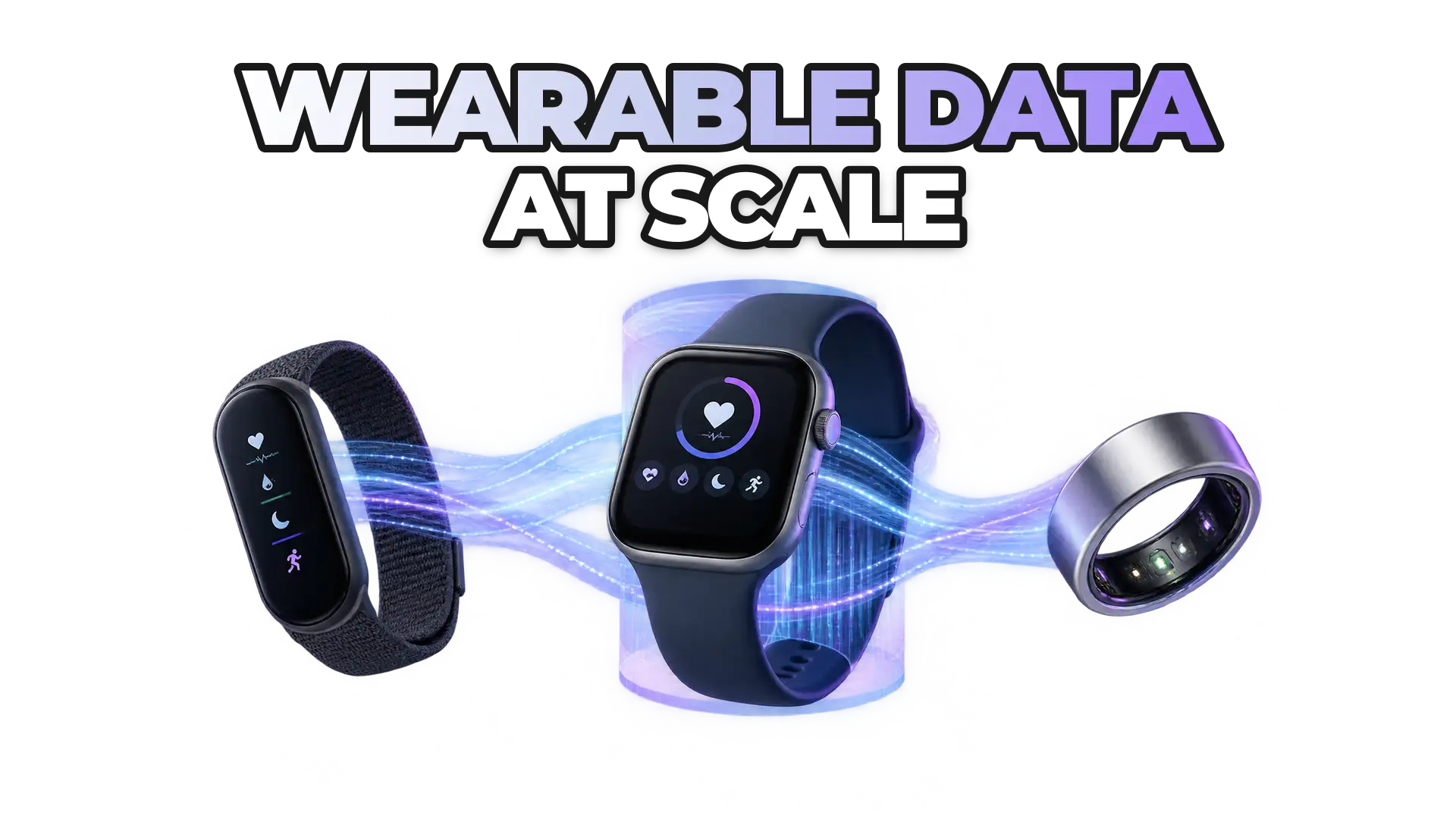
User Profiles turns wearable data into health profiles ready to segment, personalize, and create more relevant experiences.
Read more in our technical documentationFAQ
What a user profile contains, how it is generated, and how missing data is handled.
User Profiles transforms wearable data already synchronized with ROOK into a structured user profile. It summarizes recent information to provide a consolidated view of activity, sleep, cardio, recovery, and body health.
Depending on available data, a user profile may include aggregated metrics, scores from 0 to 100, health levels, trends, coverage or confidence indicators, personalized observations, an overall score, and available demographic data.
Daily data shows events and summaries for a specific date. A user profile primarily analyzes the previous seven days and organizes information across five areas. Some recovery calculations may use up to 14 days of sleep data.
User Profiles do not update automatically. When new data is synchronized, your application must request a new profile and compare the result with the previous version.
A missing metric is not treated as a negative result. ROOK uses other available data when possible and reflects reduced coverage through confidence indicators. If there is not enough information, some fields may be returned as null.
Your application requests the profile through the API, ROOK processes the synchronized data, and the result is delivered asynchronously to the configured Data Webhook.
No questions match that yet. Try another word or topic.