Strava integration

How to integrate with the Strava API: ROOK delivers Strava workouts, routes, pace, power and elevation as structured JSON for fitness, health and insurance apps.

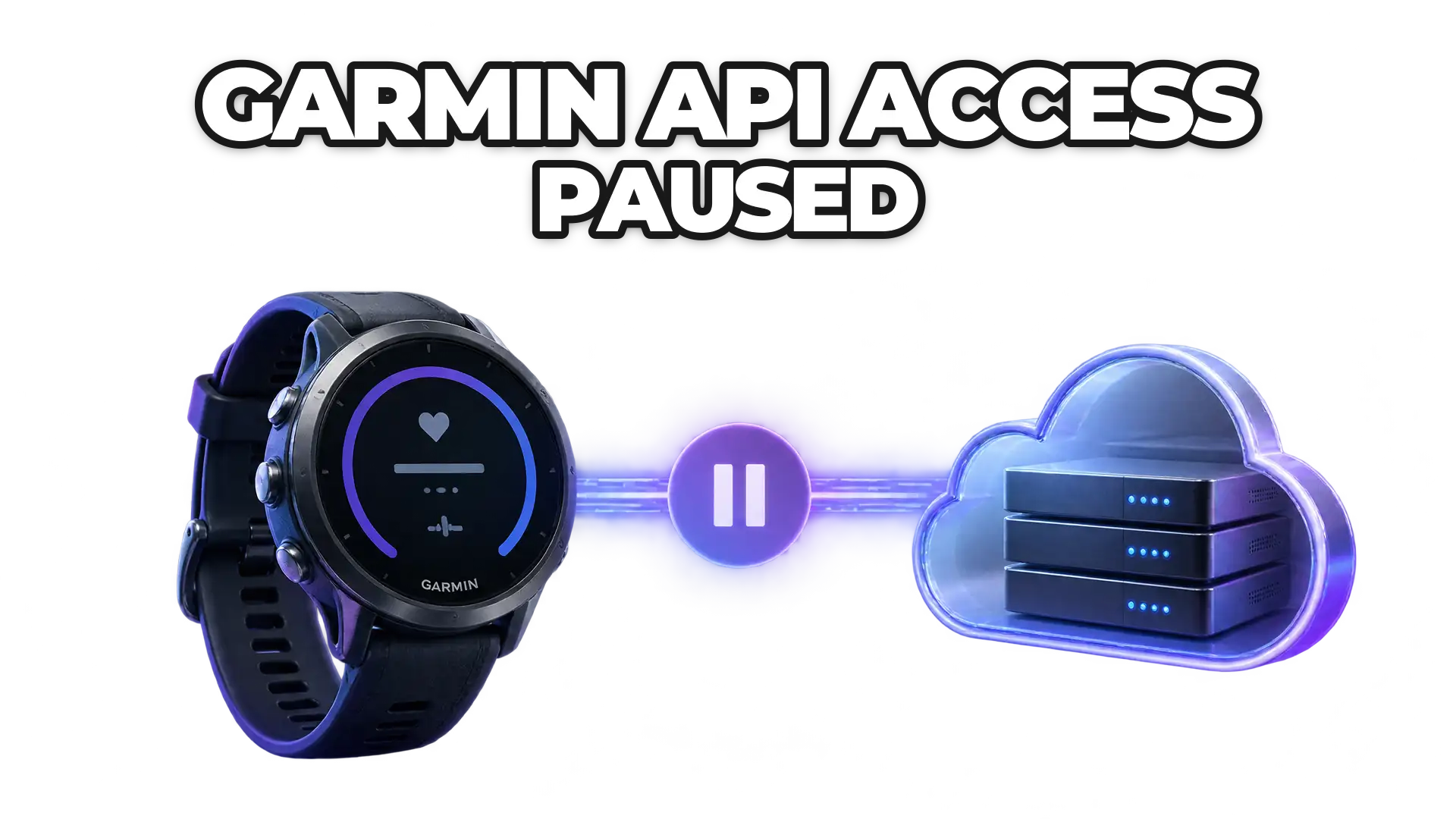
Strava to Strava cloud to ROOK Connect to Your backend: how Strava data reaches your product through ROOK.

How it connects

ROOK connects to Strava through its cloud API.

ROOK's Strava Web API integration delivers physical activity data from Strava as structured JSON, by webhook and API: workouts with their duration, distance, pace, speed, cadence, power, elevation and route.

Use Strava activities to reward training, personalize coaching and measure engagement, in the same format as every other data source ROOK connects.

Our Strava integration delivers notifications within minutes after a user completes an event and syncs their app.

Your own Strava developer account is required.

Read the Strava docs
ROOK Connectphysical_summary · JSON
{  "data_structure": "physical_summary",  "user_id": "demo-user-01",  "physical_health": { "summary": { "physical_summary": {    "metadata": {      "sources_of_data_array": ["Strava"]    },    "distance": {      "steps_int": 8432,      "active_steps_int": 6120,      "walked_distance_meters_float": 6180.0    },    "activity": { "active_seconds_int": 3240 }  } } }}

Available data

The Strava data ROOK delivers.

Every field below comes from the Strava documentation and arrives in ROOK's standard structure, whatever device the user wears.

Physical health

physical activity event22 fields

  • active_seconds_int
  • activity_duration_seconds_int
  • activity_start_datetime_string
  • activity_end_datetime_string
  • activity_energy_kilojoules_float
  • activity_type_name_string
  • calories_expenditure_kcal_float
  • traveled_distance_meters_float
  • elevation_gain_actual_altitude_meters_float
  • elevation_maximum_altitude_meters_float
  • elevation_minimum_altitude_meters_float
  • cadence_avg_rpm_float
  • speed_avg_meters_per_second_float
  • speed_maximum_meters_per_second_float
  • pace_avg_min_per_km_float
  • position_start_object.lat_deg_float
  • position_start_object.lng_deg_float
  • position_end_object.lat_deg_float
  • position_end_object.lng_deg_float
  • position_polyline_map_data_summary_string
  • power_avg_watts_float
  • power_maximum_watts_float

Get started

Connect Strava in three steps.

  1. Enable Strava in the ROOK portalAdd Strava as a data source with the credentials of your own Strava developer account. Strava now requires a developer account on its paid Standard Tier developer plan.
  2. Add Strava to your connections pageUsers pick Strava on the connections page and authorize ROOK with their Strava account.
  3. Receive standardized dataROOK turns Strava data into the same JSON structure as every other data source and delivers it to your backend by webhook and API.

Use cases

What teams build with Strava data.

Strava activities give fitness, wellness and insurance products a reliable record of when, how far and how hard each user trained.

More data sources

More data sources ROOK connects to through their cloud APIs.

FAQ

Frequently asked questions about the Strava integration

What teams ask before they connect Strava through ROOK.

What Strava data can I get through ROOK?

ROOK extracts 22 Strava fields covering physical activity data, grouped into summaries and events. The data each user shares depends on the permissions they grant when they connect Strava.

How quickly does Strava data reach my backend?

Our Strava integration delivers notifications within minutes after a user completes an event and syncs their app.

Do I need my own Strava developer account?

Yes. Strava requires each ROOK client to register its own developer account to authorize health data extraction. Strava now requires a developer account on its paid Standard Tier developer plan.

How does ROOK connect to Strava?

Through the Strava cloud API. Users authorize their Strava account once and ROOK keeps pulling new data, with no mobile development on your side.

Read the Strava documentation
Still have questions?Our team can review your sources and use case with you.
Schedule a demo

Articles on Strava from the ROOK blog

Build on better health data

Turn fragmented health data into your next product advantage.

Connect the sources your users rely on, standardize what comes back, and build workflows that respond to change.

Newsletter

Stay in the loop.

Sign up with your email address to receive news and updates from the ROOK team.

We respect your privacy. Read our privacy policy.